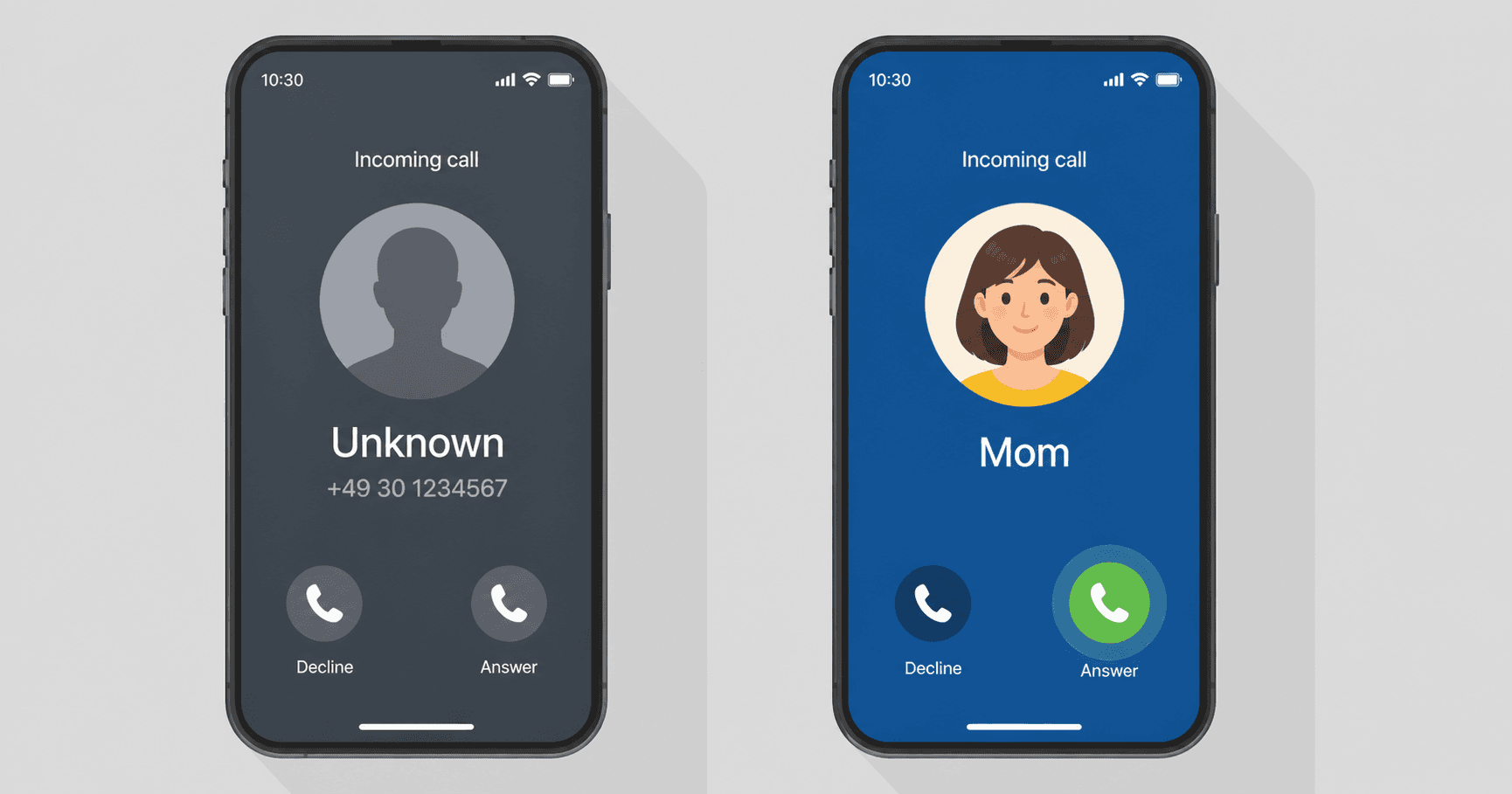
Most people don't pick up unknown numbers. If you call your mom in Mexico from a random German number she's never seen, she lets it ring out. Same goes for the client you're trying to reach from hotel WiFi, or the doctor's office back home.
Calloza fixes this. You can verify a phone number you already own and have it show up on outbound calls instead of a generic platform number. Your name shows up in the recipient's contacts as usual.
Quick version
- Add a number you own — mobile, landline, doesn't matter.
- Verify it through a 25-second automated call.
- Pick it from a dropdown before each call.
- Setup is free. Calls are billed at normal per-minute rates.
Why this matters
Phones filter unknown numbers aggressively. iPhone has "Silence Unknown Callers." Android has call screening. Carriers run their own spam filters that flag any unrecognized international caller. Even if the person wants to talk to you, they probably won't see the call until much later. By then they've moved on or assumed it was spam.
When the screen shows a number they recognize, the filter falls away. Their phone just rings. They answer.
How verification works
You can't legally show any number you want as your caller ID. Carriers crack down on this through STIR/SHAKEN in the US and similar programs elsewhere. So you have to prove the number is yours first.
Calloza places a quick automated call to that number. You pick up, listen to a 6-digit code, and type it back into the dialog. That confirms you have access. After that, the number shows up in a dropdown in the dialer.
Setup
- Sign in. Open Account → Caller IDs.
- Click Add a caller ID and enter your number, including the country code.
- Click Verify. Calloza calls that number within a few seconds. The verification call itself costs a few cents.
- Pick up. An automated voice reads a code. Type it into the dialog.
- The number now shows in the caller-ID dropdown next time you dial.
Up to 3 verified numbers per account. Verification stays valid unless the number gets reassigned to someone else.
When you'd actually use this
Calling family from abroad. You moved to Berlin, your mom is still in Mexico. Calling from your old Mexican mobile, she sees the number she's known for 20 years. Calling from a German +49 number, she doesn't.
Business callbacks while traveling. A client left you a voicemail. Calling back from your office line gets through. Calling back from a hotel-network phone — they probably don't recognize the number.
Doctors, schools, banks, government offices. These places often send international callers straight to spam. Calling them from a domestic number in their country goes through normally.
You have a number from somewhere you don't live anymore. UK mobile from when you lived in London, but you're in Toronto now. Calling UK contacts from the UK number works. Calling them from a Canadian number triggers spam filters.
Things to know
You can only display a verified number on outbound calls. It can't receive calls or SMS. Those keep going to your existing carrier, which is what you want anyway — your real phone keeps working as before.
Some country-to-country combinations don't route well. Calling into Russia from a Russian caller ID, or into China from a Chinese caller ID, can land on the wrong number due to local network rules. Calloza blocks those combinations and asks you to use a different caller ID. Cross-country calls work fine everywhere.
Three numbers per account is the ceiling. Most people use one or two. If you genuinely need more, support can help.
Don't try to verify a number you don't own. The verification call has to reach you for it to work, and impersonating someone else's phone is illegal in most countries anyway.
If you don't have a number to verify
You can buy one through Calloza. Virtual numbers from 60+ countries — US, UK, German, Mexican, and others. Small monthly fee. These work as both caller ID and a real receiving line for calls and SMS to your browser.
Different feature from verified caller IDs (purchased numbers can receive, verified ones can't), but the caller-ID benefit is similar.
Try it
Already have a Calloza account? Go to your Account page, open Caller IDs, and add your number. Takes around 90 seconds.
New to Calloza? Try a free call online first — 1 minute free, no card charged. Verify a caller ID after, and the next call shows your real number on the other side.